
The settings are used to control the user experience and session/data retention.
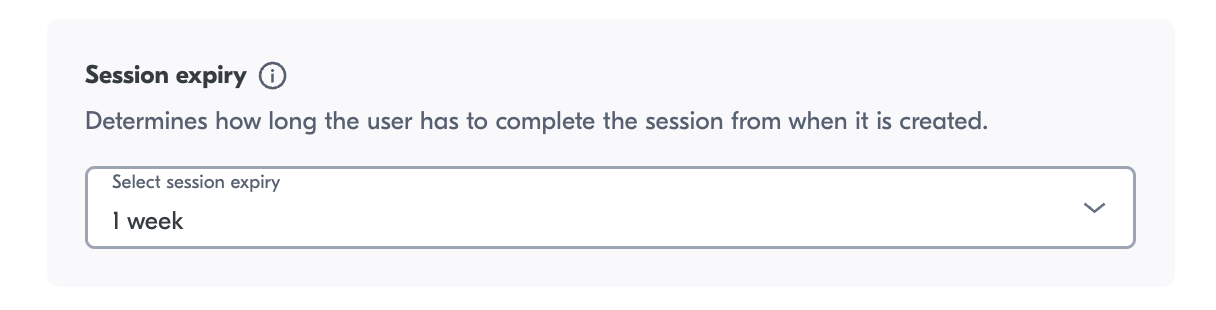
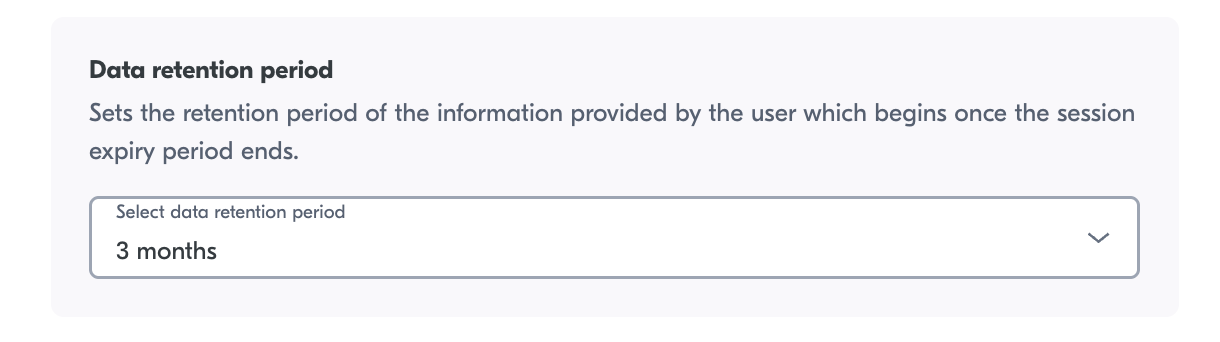
Here you can configure how long you want the session to be valid for, and how long you want to keep the images.
Yoti recommends you keep the data for only as long as necessary. By default, we set the session expiry to 1 week and the retention period to 3 months.
Client view
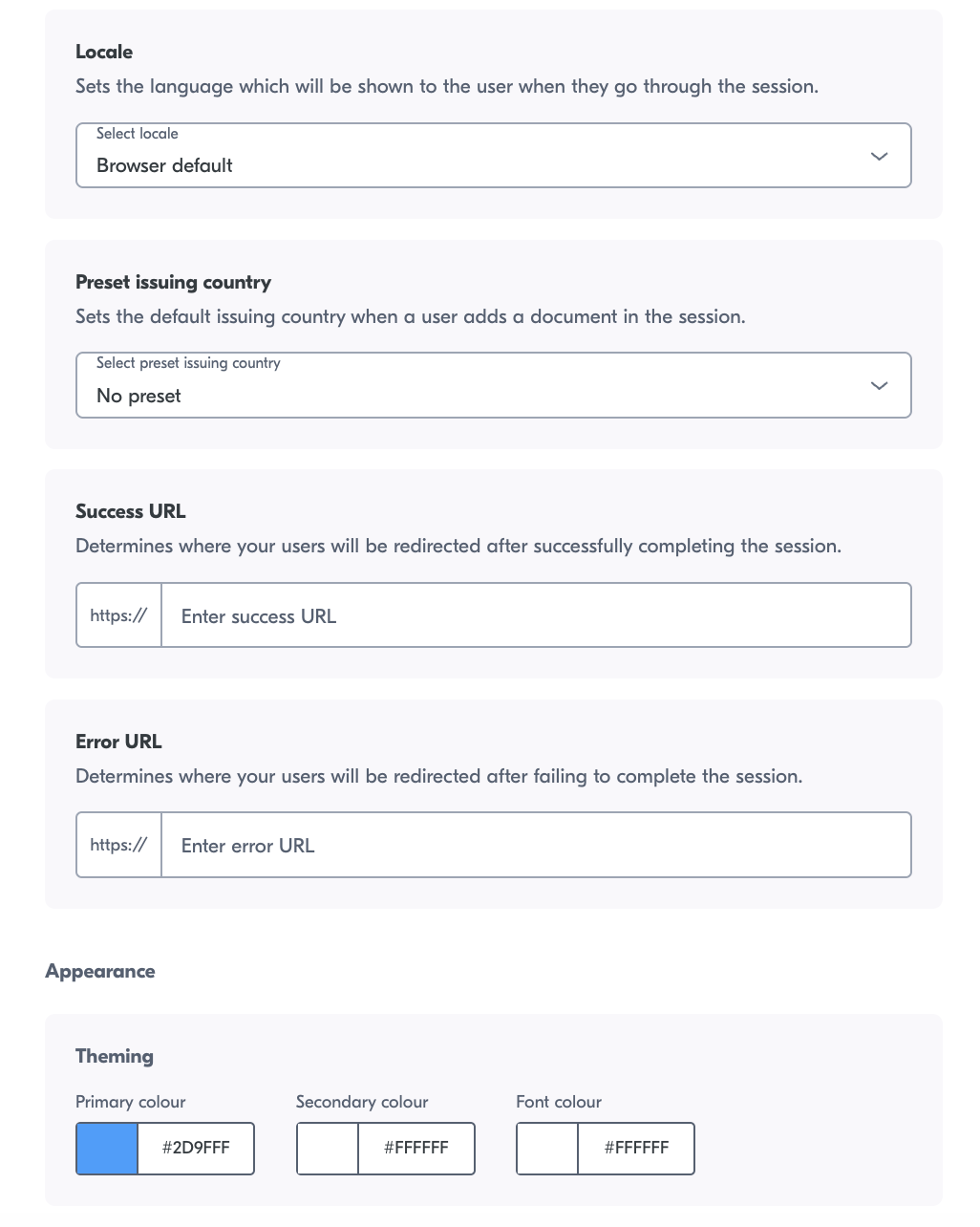
Here you can configure the user view
Configuration | Description |
|---|---|
Locale | Select a translation language. See Overview for translations supported. |
Preset issuing country | Allows you to set which country is preset in the user session view. |
Success URL | If the session is successfully completed, you can redirect the user to a URL. If a user is not specified, the user will remain on the final IDV screen. |
Error URL | If the session is unsuccessful you can redirect the user to a URL. If a user is not specified, the user will remain on the final IDV screen. |
Primary colour | Colour of the button on the user session view. |
Font colour | Change the colour of the font of the user session view. |
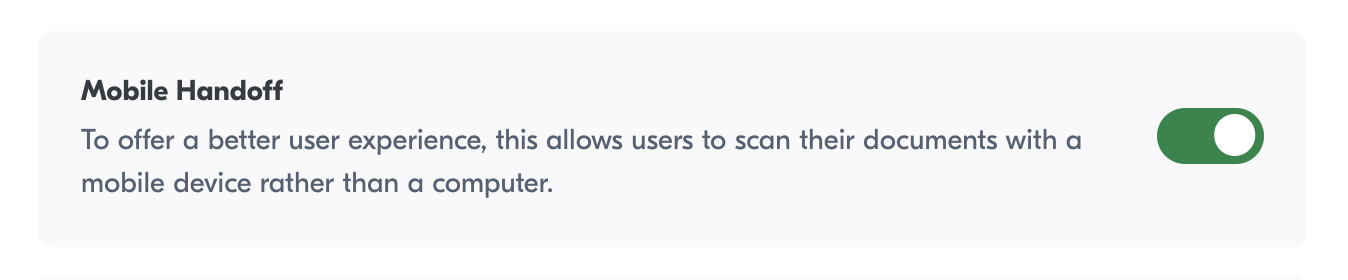
Mobile Handoff
You can enable a mobile handoff feature, which will allow users to complete the session using their mobile devices. This can be toggled on or off and will be on as default for newly created services.
Device tracking information
Enable this option to view valuable user metadata, including IP addresses.
