
Search
Before you start
You will need to have added a document to the portal and one signer or more.
If you would like to enhance security when sending across your document you can enable OTP (one time password).
Toggle the One time password on
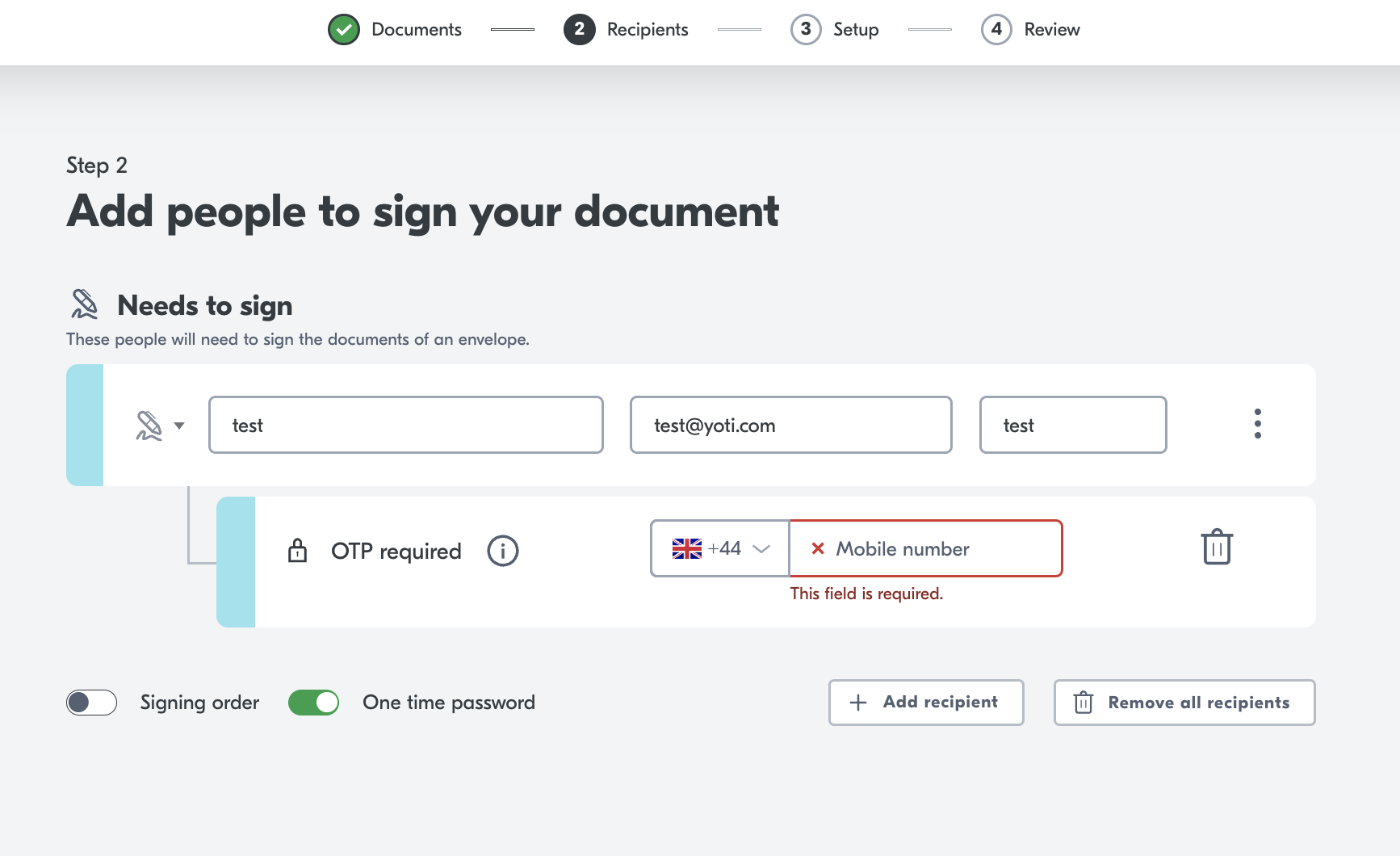
Enter a mobile number.
When the signer opens their document they will need to provide a OTP:
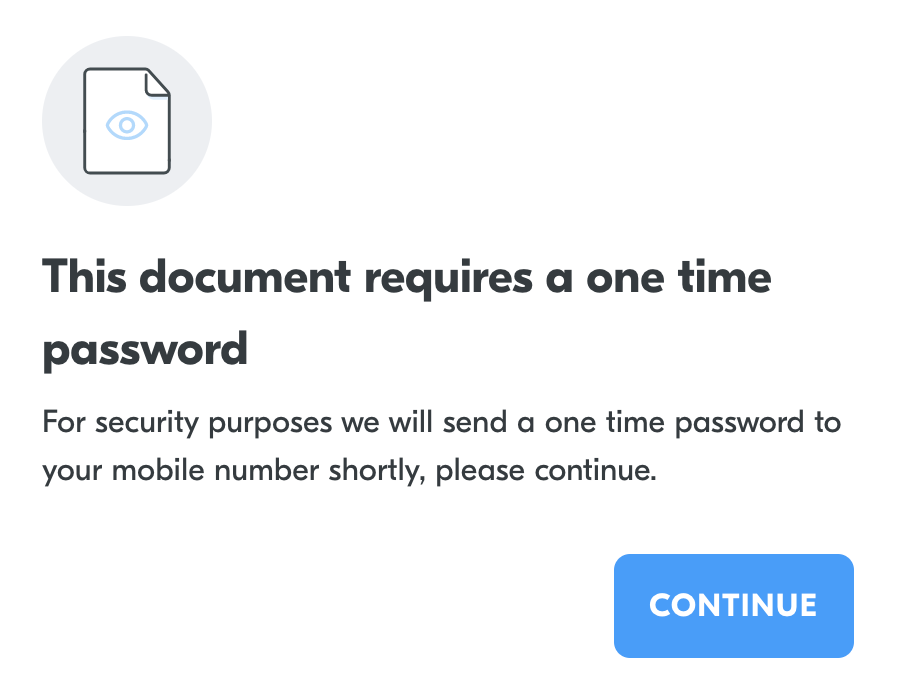
After they press continue they must enter the verification code to continue.
Video explainer
Was this page helpful?