
Search
Yoti provides a free sandbox for the Digital ID integration.
Your account does not have to be approved for you to start using this service.
Hint Our mobile SDKs (iOS/Android/React Native) do not support Sandbox Keys.
Before you start
We recommend familiarising yourself with the Yoti integrations to understand the data flow.
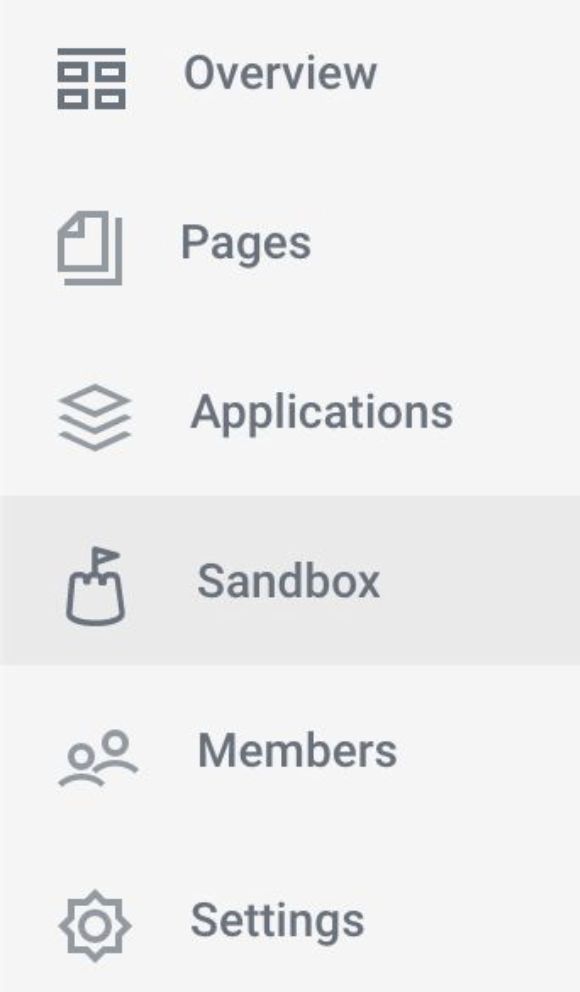
Once logged in, choose 'Sandbox' from the navigation bar.
To create your sandbox application
Select GET STARTED
Enter a sandbox application name
Hit SAVE to generate a Sandbox ID and Key pair.

Take note of your Sandbox Client SDK ID then
Press GET KEYS to generate your keypair.
You will only need your private key (privateKey.pem) to use the Digital ID sandbox.
Was this page helpful?